vanRaam bicycles with pedal assistance are smart e-bikes. These can be connected to the vanRaam e-bike app. In this article, we'll tell you more about some of the features of this app and how it works.
Download vanRaam e-bike app
Before you can use the vanRaam e-bike app, you need to download the app on your phone. This can be done for free through the Google Play Store (voor Android) or the Apple App Store (IOS).
Create an account
When you use the vanRaam E-Bike App for the first time, you have to create an account. Based on this account, information is stored, such as the frame number. When creating an account, you enter your email address and a password. The password must meet a number of requirements, it must be;
at least 8 characters long
contain a capital letter
contain a number
contain a special character (such as an exclamation mark)
After creating an account, you will receive a registration confirmation via email. In the email there is a confirmation button, if you click on it the registration is complete.
Connecting your bike to the vanRaam e-bike app
To connect your vanRaam bicycle to the app, the bicycle's pedal assistance must be enabled. As soon as the display is ready to connect to a smartphone, a Bluetooth icon will appear on the silent smart display. On the smart display found on vanRaam electric bikes from before 2024, the on/off button briefly turns blue.
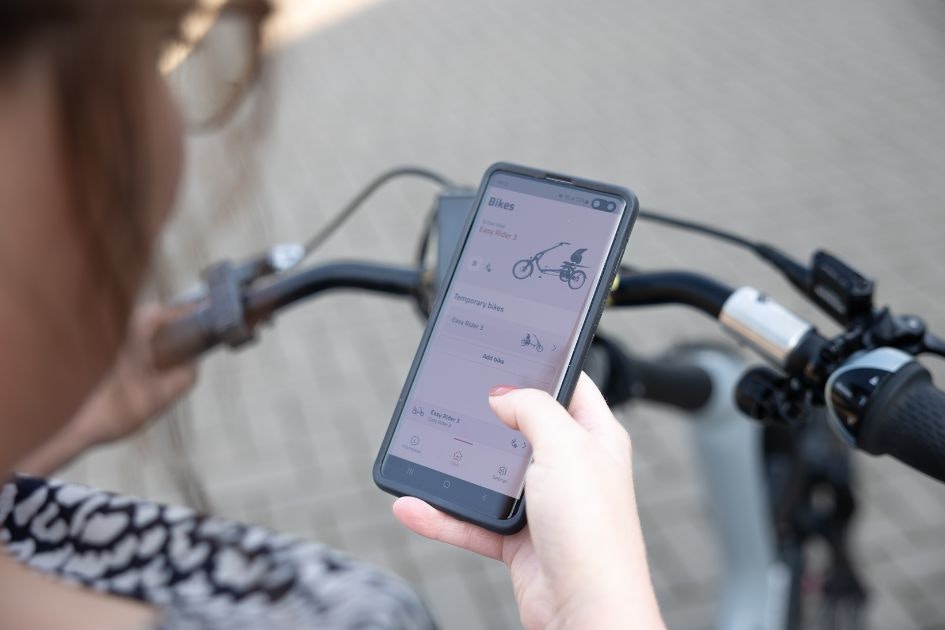
After this you can connect the bike with the app by pressing the menu button "Add new bike". The app shows the bikes that have been found. Choose the bike with your bike’s frame number.
Important! While connecting, the bike must be nearby (max. 20 meters distance) and the electric motor must be switched on.
In the app, you can easily switch between support modes depending on your needs and whether you require more or less assistance. The support modes in the vanRaam e-bike app are: Eco, Eco+, Comfortable, Power and Extra Power. You can switch modes by clicking on the menu item 'Programs.' Select the program of your choice and then click 'Upload Program.'
Important! The bike must be stationary when changing the support mode.
The recipes in the app are different cycling programs for your pedal assistance. You can adjust these recipes depending on your needs and whether you need more or less support. The standard programs in the vanRaam E-Bike App are; Eco, Comfort, Power and Extra Power. You can switch recipes by clicking on the menu item 'Recipes'. Click on the recipe of your choice and then click on 'Send to bike'.
Important! The bike must be stationary while changing recipes.
The menu of the vanRaam e-bike app consists of the following items*:
Bikes: This is the home screen. Here you can switch between bikes, which is only possible if you have added multiple vanRaam bikes to the app. Additionally, you can see the bike that is currently connected.
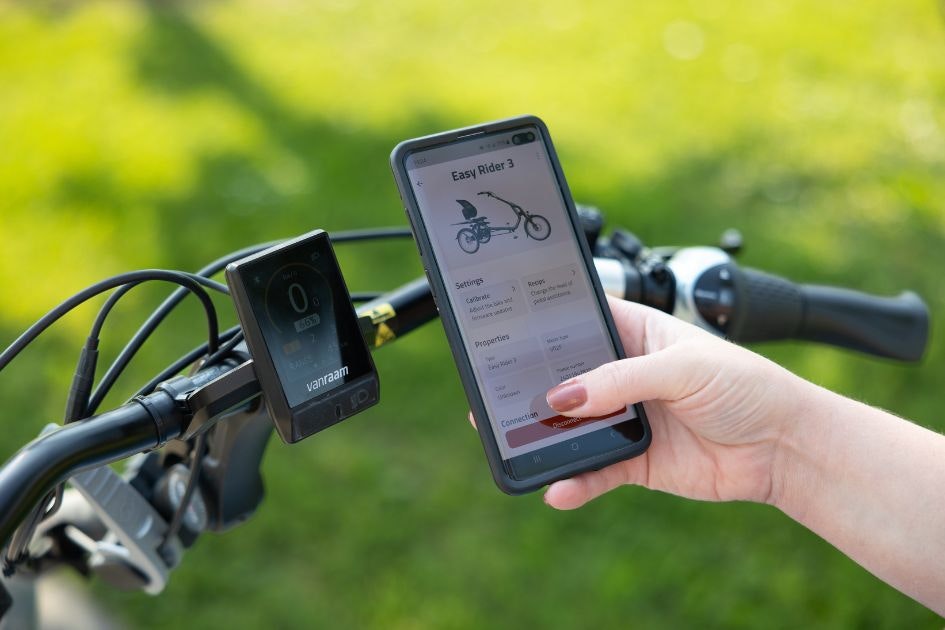
Connected bike: Here you can view the details and odometer readings of the bike. You can also navigate to other pages such as the dashboard and programs.
Dashboard: On the dashboard, you can see the speed, total distance cycled, distance cycled, battery percentage, range, and support mode.
Programs: Here you can easily switch between support modes.
Information: The 'Information' menu item contains useful links that navigate you to the vanRaam website. You can also provide feedback about the app here.
Settings: In the 'Settings' menu item, you can view your account information, adjust preferences, export routes, and deactivate or log out of your account.