vanRaam e-bike app for smart e-bike
On this page you will read everything about the smart e-bike and we will tell you how you can benefit from all the advantages of the vanRaam e-bike app. The vanRaam e-bike (bicycle) app is a free smartphone app that you can use in combination with a vanRaam e-bike.
All vanRaam bicycles delivered from 2019 onwards with pedal assistance can connect to the app. Older models cannot connect to the app due to outdated software in the display and controller.
What are the features of the vanRaam e-bike app?
Change support modes.
View information about the bike (bike information such as type, color, motor type, and frame number).
See how many kilometers you have cycled.
Check the battery capacity.
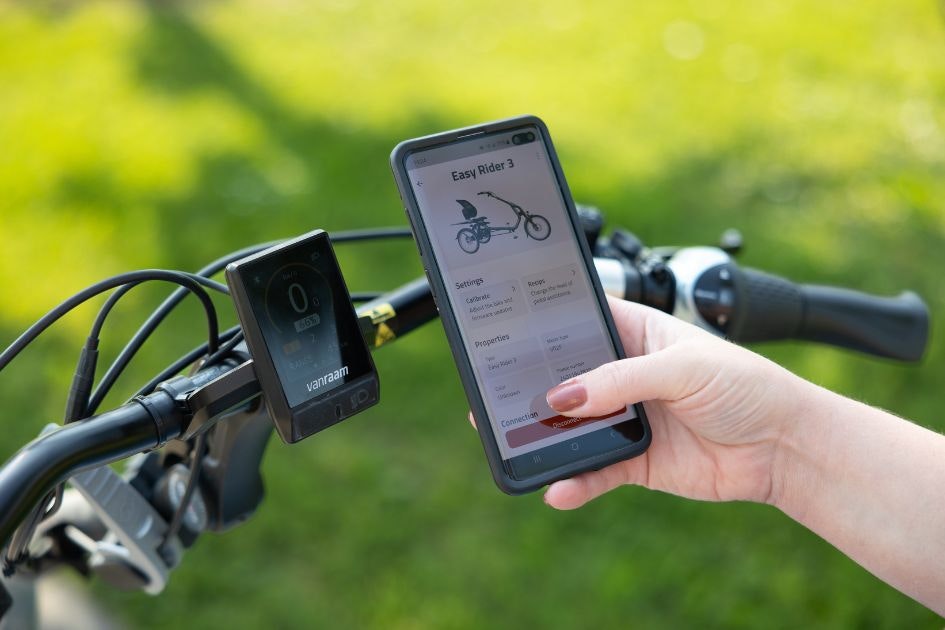
How do you use your smart e-bike app?
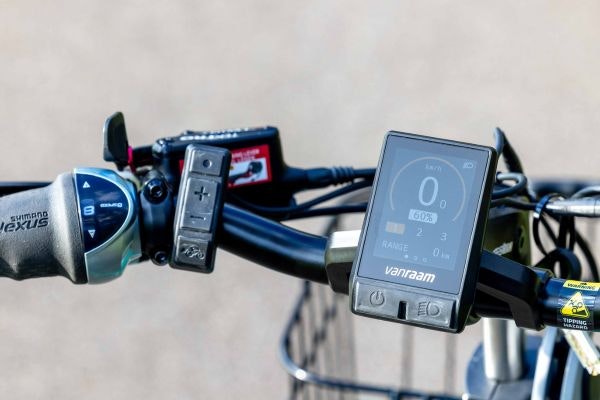
The vanRaam e-bike app can be used to connect to the display via Bluetooth connection. As soon as the display is ready to connect to a smartphone, a Bluetooth icon will appear on the silent smart display. On the smart display found on vanRaam electric bikes from before 2024, the on/off button briefly turns blue.
Download the vanRaam e-bike app for free from the Google Play Store (for Android) or the Apple App Store (IOS).
How does the vanRaam e-bike app work?
When your bike is connected to the app, you can use the app. Read more about connecting your bike to the app later in this article. The vanRaam e-bike app offers various features. On the "Programs" page, for example, you can switch between support modes. Additionally, you can also view information about your bike and on the dashboard you can view the (total) distance cycled and the battery percentage. On the "Information" tab, there are useful links that allow you to navigate to the vanRaam website.
Pedal support
If you want to know more about the vanRaam pedal support system, please visit the pedal support page.
Do you have any questions?
We are happy to assist you! Please check our contact page or contact us directly using the options below.